
Android app · In closed testing
Little efforts.
Everyday wins.
A little encouragement goes a long way. Set tasks, celebrate effort with points, and choose rewards that mean something to your family.
Free local use. No account needed.
No ads or in-app purchases.
Small steps. Something to look forward to.
Make a plan
Add tasks for the things your family is working on, with points you choose.
Notice the effort
Complete a task or give a positive award. Those everyday moments add up.
Make it rewarding
Choose rewards together and use earned points when it is time to enjoy one.
Take a look around.
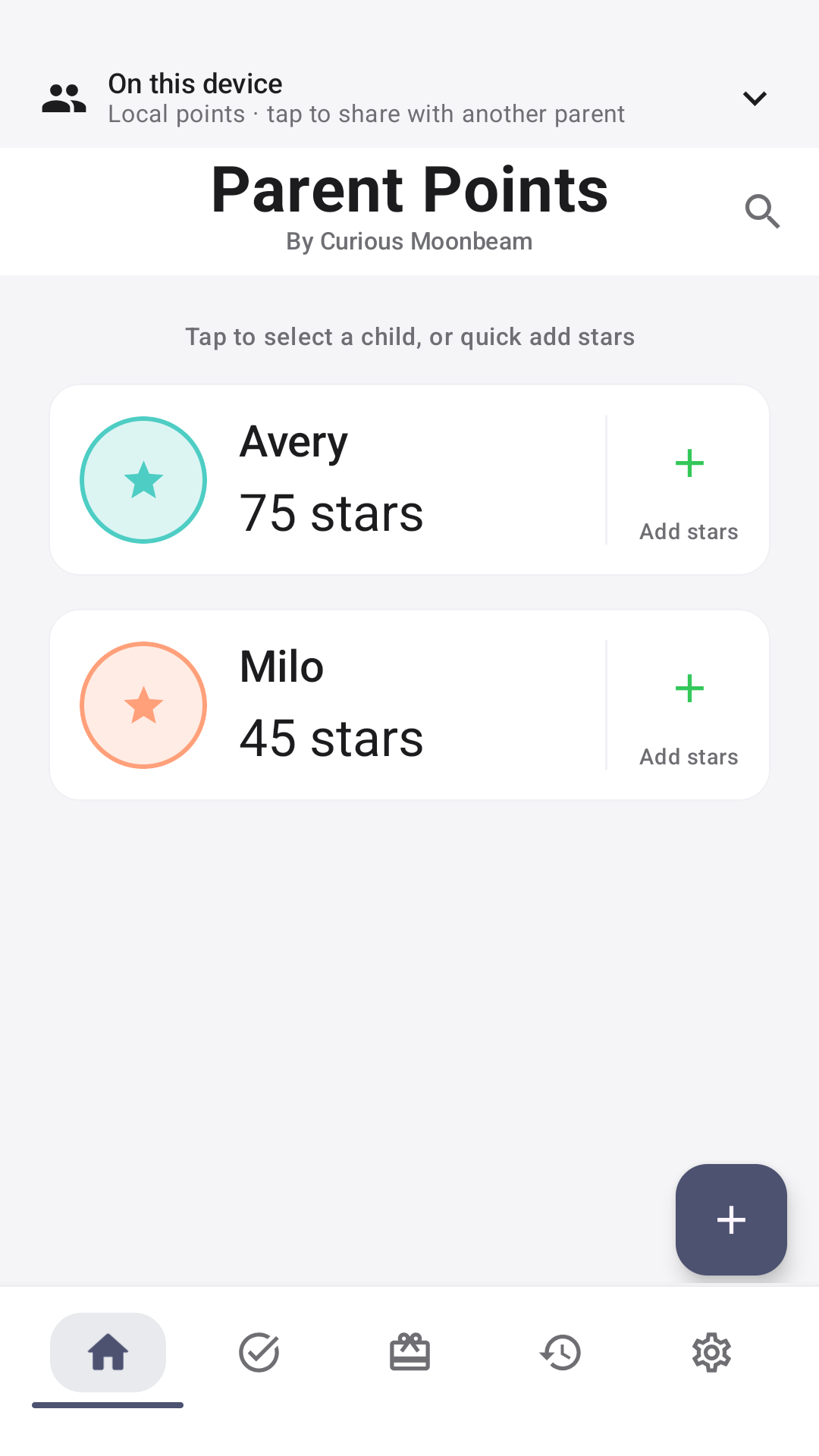
Real screens from the upcoming 2.1 release, with example family data. Scroll or choose a view below. Select a screenshot to open it full size.
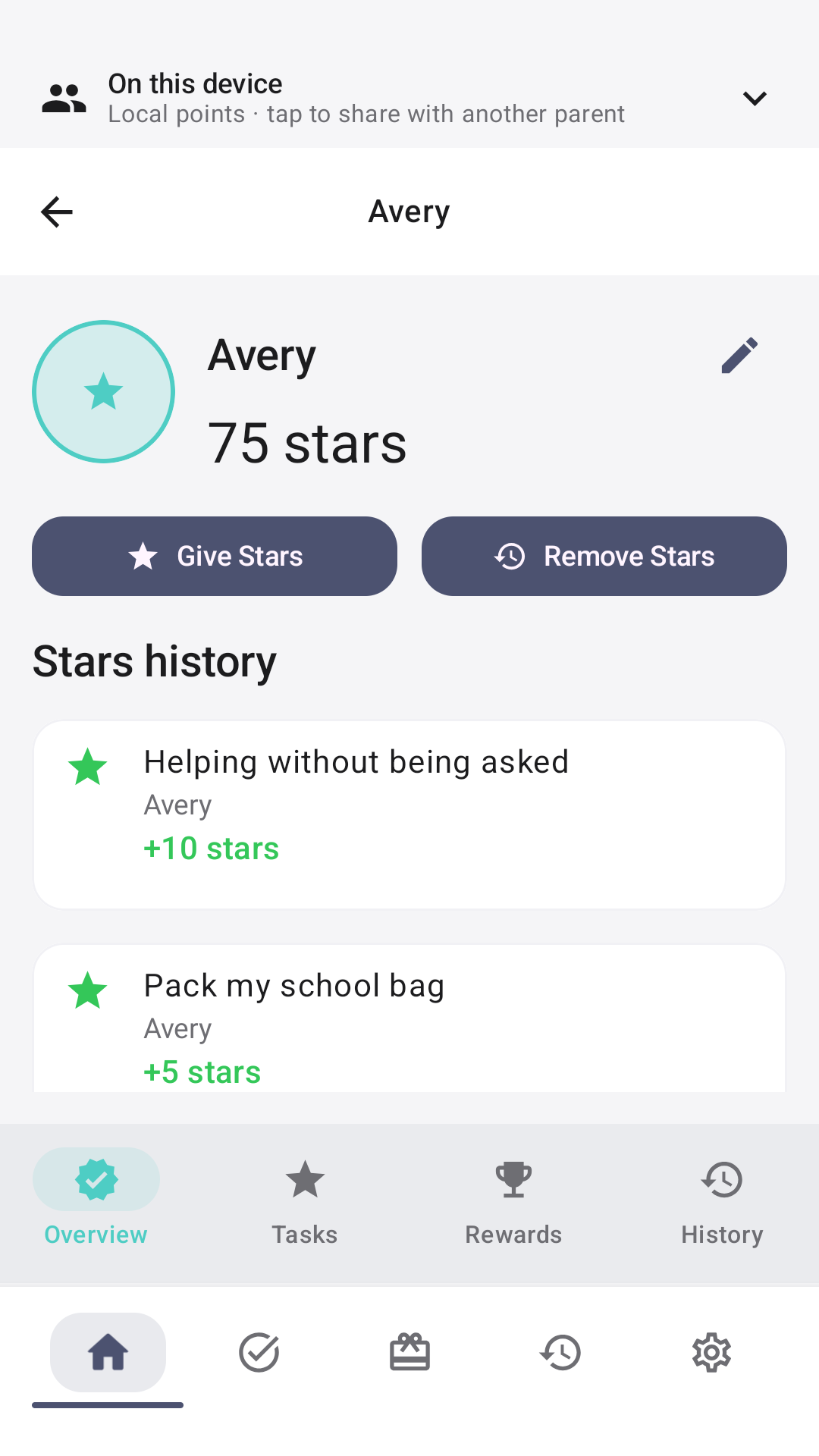
Their own little overview
See a child's balance and keep their points journey in view.
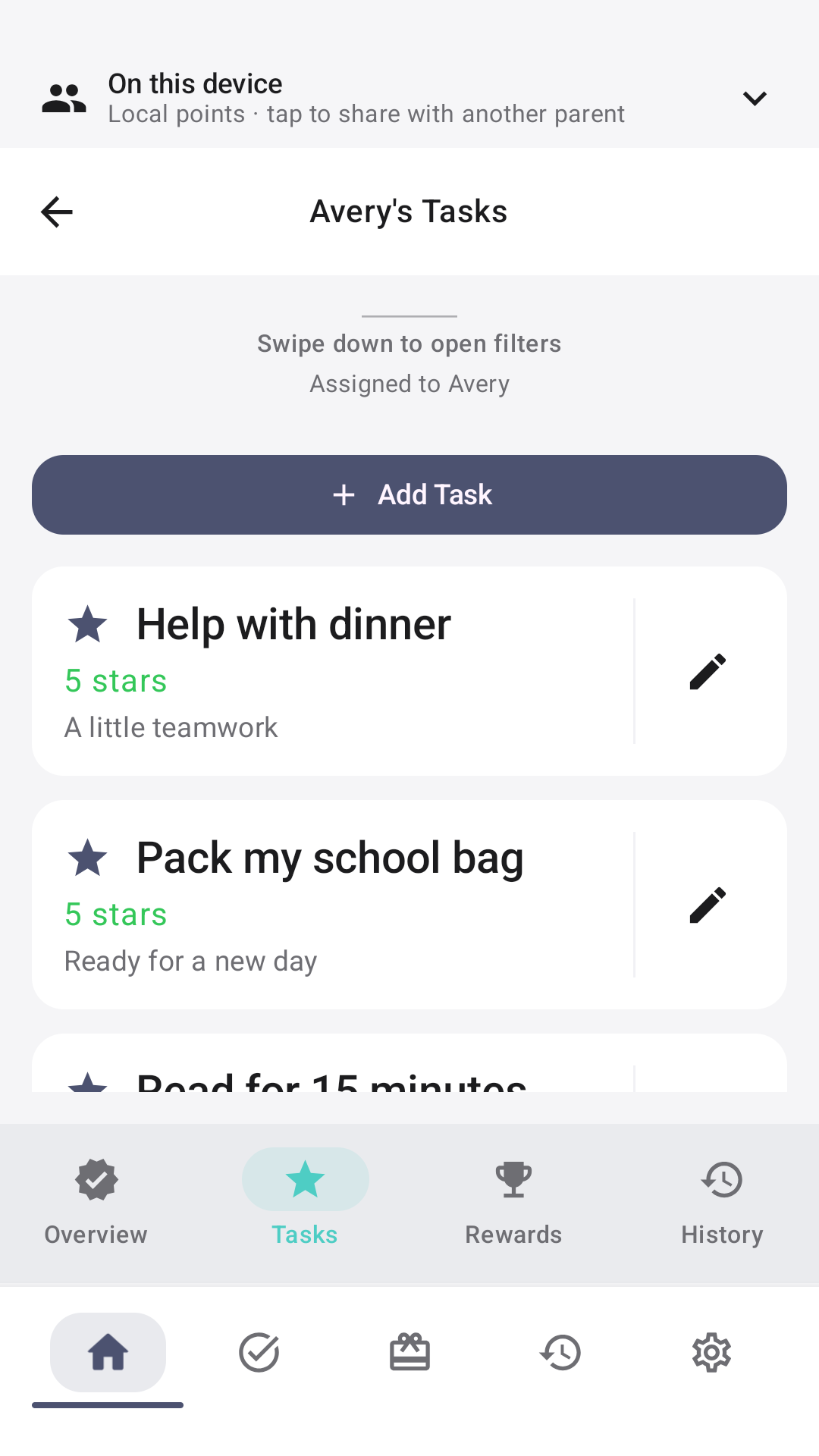
A plan for everyday effort
Keep tasks and their points together, ready for the next small win.
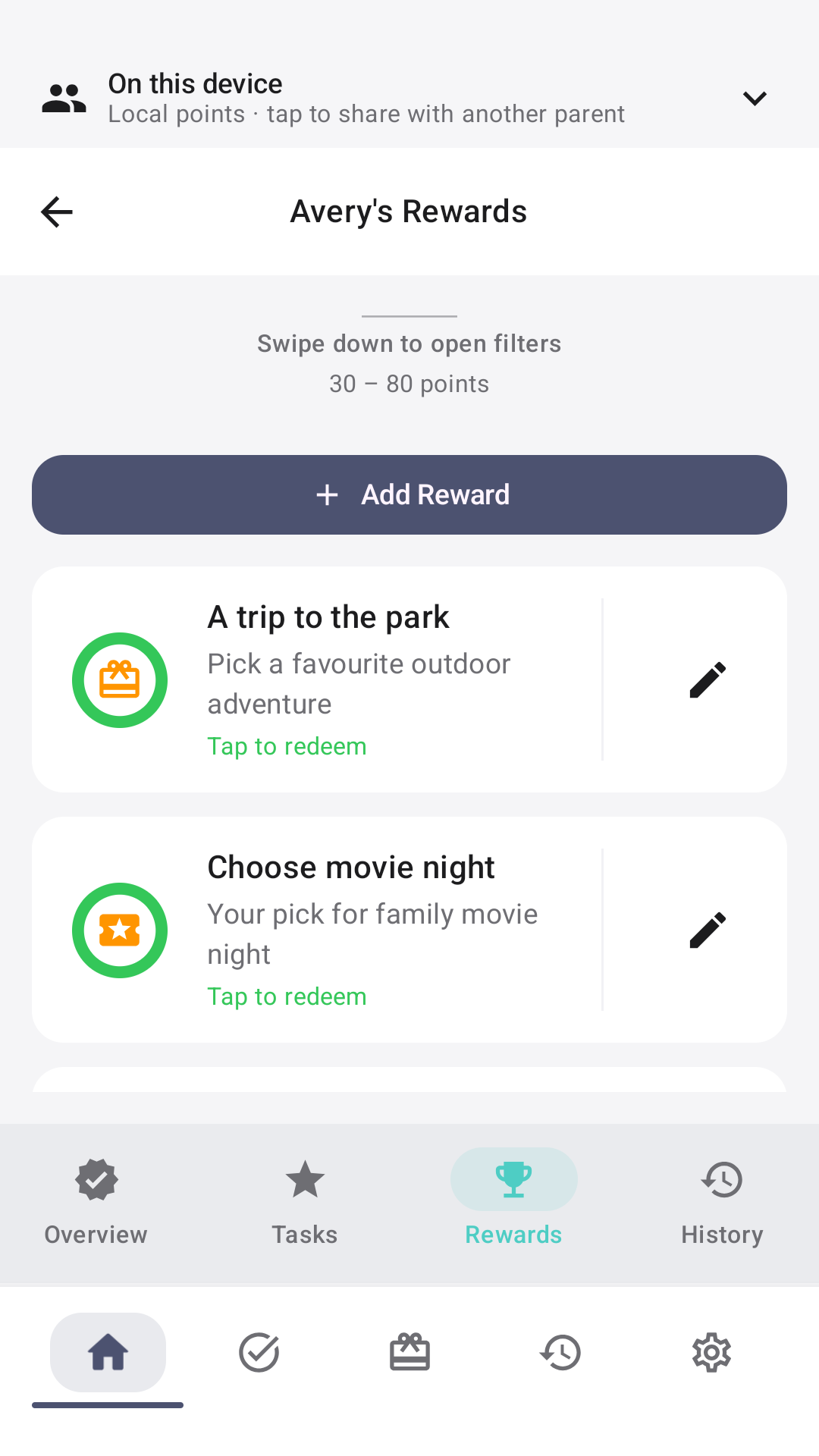
Rewards worth working towards
Choose what feels rewarding for your family and set the points cost.
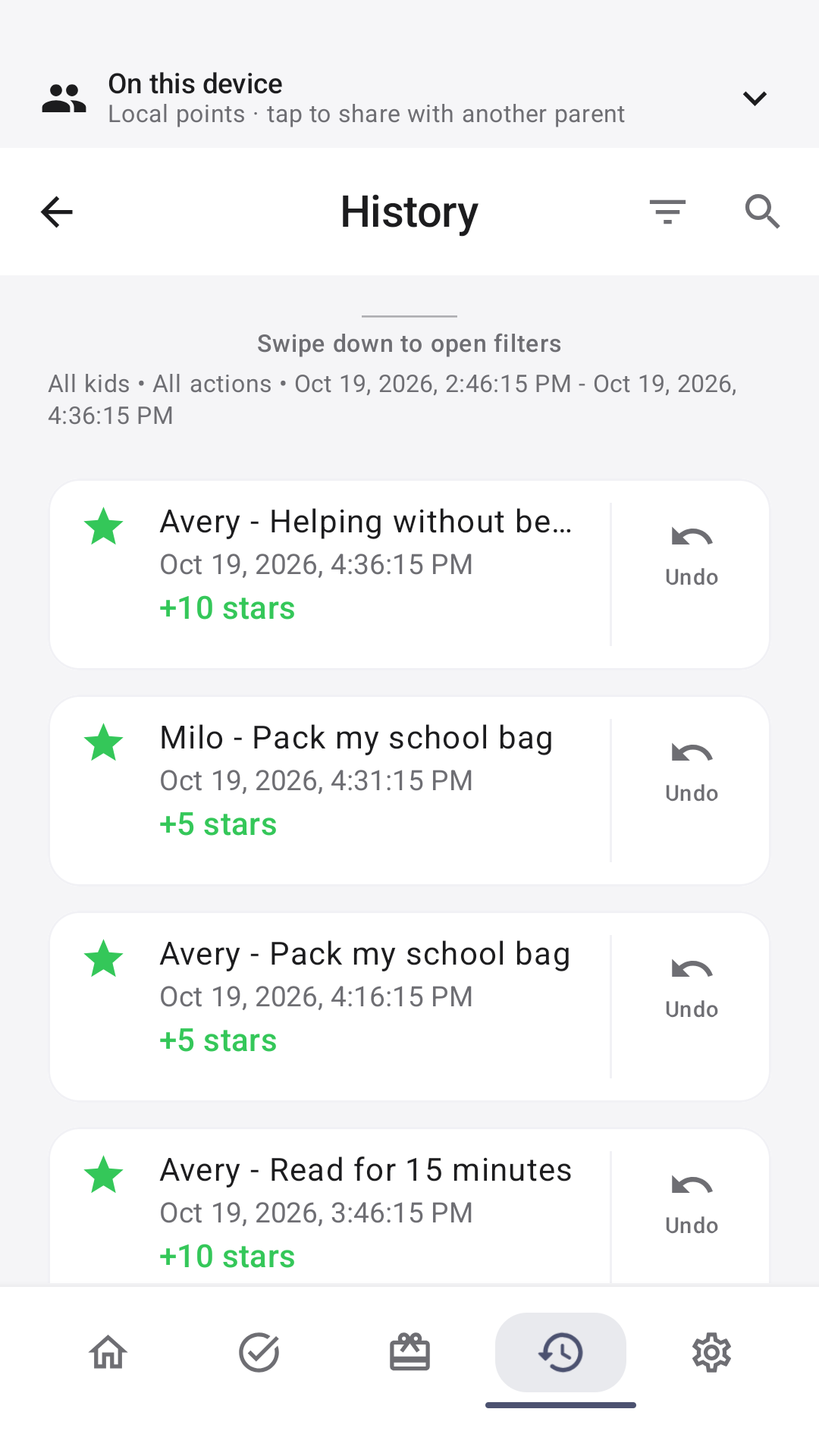
A story you can look back on
Follow points activity with a clear record of what changed.
Try it with your family.
Tell us how it feels.
Parent Points is in closed testing on Android and is not publicly available on Google Play yet. The current test is version 1.5. The 2.1 sharing update shown above is coming next.
- Join the testing group
Use the same Google account you use on Google Play. Group membership gives you access to the next step.
- Opt in on Google Play
Choose to become a tester, then follow Google Play's instructions to install. Joining the group alone does not opt you in.
- Try it in everyday life.
Use the app over at least 14 days, stay opted in, and tell us what works or gets in the way.
Send testing feedback
Before you get started.
Do we need an account?
No account is needed for free local use on one Android device. Optional sharing coming in 2.1 uses verified adult accounts. Children do not have accounts.
Does it work without internet?
Local use works offline. With optional sharing in 2.1, positive awards and task completions can queue until you reconnect. Spending, deductions, undo and edits to shared details need an internet connection.
Are there ads or in-app purchases?
No. Parent Points has no ads or in-app purchases.
Where can I find help or manage my data?
Visit support, read the privacy policy, or follow the account and data deletion instructions. You can also email info@curiousmoonbeam.co.nz.